
Between The Clouds
By Ian Hollidae, 2025/08/20
After my first attempt at a 3D photo gallery, I knew I'd want to try again with a different approach. A better navigation setup. A bigger effort regarding a theme. Maybe experiment a little more with lighting. I had a number of dramatic cloud pictures that I wanted to post, so this seemed like a good opportunity.
My first thought was how to layout the feature photos along the wall of a square structure with the viewer inside. But this turned out be too restrictive considering the openness of the theme. The layout needed to be spacious. The problem with this approach is if you take too long to go from one feature to another, the UX could possibly suffer.
Another layout idea was to have some sort of "sky" gallery where the avatar is set to FLY mode. Then the user would glide from picture to picture. But that wound up being similar to a previous project. I also wanted a floor.
In the end, I created something like a centralized "pod" with eight spots to post pictures. I also set the avatar to swing around to view more of the scene beyond the feature photos. This allowed me to post secondary photos as part of the overall theme. The floor texture was made from a cloud photo that would've never been posted as a feature. Maybe I'll create a texture post for it in the future.


The Between The Clouds presentation.
Mini-Maze
By Ian Hollidae, 2025/06/20
Ever since I started my dive into 3D, I've wanted to do a maze. Nothing fancy or difficult. Just get from one end to the other using free-style navigation. I thought about making this a semi-guided tour where the presentation will do the actual navigation. When you reach a certain marker with the maze, the user would be prompted to click a button to continue on.
I also debated about how big the maze should be. Since I'd never created a maze before, it was clear I needed to do a search. Surprisingly, there was a fair amount of information about mazes. The big issue was how to fit a guide map into the scene. One idea was to have a button that would elevate the user to a “birds eye” view and allow them to see where they were. Ultimately, I decided on an external map so the viewers path/motion wasn't disrupted.
Overall, I like how this turned out. The one thing I'm not sure about was how to “end” the maze. The end of the maze has the same cove as the start and there's a finish marker on the floor to signify you're done. When you actually make it through, it feels a bit incomplete. I suppose I could set off a few lights but that seems a bit much.
I think the next time I do a maze, it'll be multi-level affair with a few perpendicular levels. That could be fun.


The Mini-Maze presenetation.
The Nicheness Of 3D
By Ian Hollidae, 2025/06/05
There are moments when I wonder why 3D on the web remains a niche. Whether youre using X3D, WebGL or three.js, one would think that a technology that can provide so much isnt more accepted. The common answer as to why 3D isn't used more is that it simply lacks a use case. But I think it's too easy to say theres no use without offering some reason as to why. So I'll share a thought I've been wrestling with recently. Just some thinking out loud really.
If you look at how we use the web today, it's basically a content delivery system. It serves up text, images, audio and video for a variety of purposes. In order to fit in, 3D content needs to work along side the established content mediums. But if you give some thought to what 3D does, you could say it's also a content delivery system, serving up rendered meshes composed of shapes and images. If the delivery purpose of 3D is the same as the web, then 3D doesn't suffer from lack of use cases, it's simply redundant. and clearly, redundancy isn't needed.
I think this is where 3D on the web breaks down. The use of 3d content highlights an odd dynamic: a technology that can deliver much more than standard web media but can't find much of a place on the web itself.
Of course, a lot of 3D developers will point out the purpose of what 3D delivers is to display immersive worlds or some sort of interactive presentation. But the question of how 3D fits in still remains fuzzy.
I don't think there's a single answer that will solve the issue. I'm sure it'll come down to designers and developers as it always does in the case of web technologies. For now, the nicheness of 3D is still a step above being unused and ignored.
A Sum Of All Mondays
By Ian Hollidae, 2025/05/23
When sharing a photo, the most obvious feature of the presentation is having a great shot. Photosharing sites add other features such as a comment section or a like button. But I wonder if something else can be done. For this project, I wanted to find a way to create a 3D interactive showcase for a single photo.
I took one the pictures from my photography project to test out a few ideas. The main concerns were how to lay out a 3D photo, navigating the presentation, and above all, not letting the interactivity interfere with the real feature, the photo.
One path forward was to present the photo as any other site would do but then add in related material interactively. Most sites also provide a place for credits, exif information and maybe some place for the photographer to include notes. In all, I wound up with six items to show so I decided to lay out the scene in a cube-like manner.
Another point of interest that came up was whether or not to "theme" the presentation. Like all the other side items, it couldn't take away from the main photo. It would have to be something low contrast, and preferably, fit with the photos color palette. I think I did OK with this.
Of course, this could all be done in a normal web environment. What I did here is mostly just an equivalent effort. I think future attempts should be focused on differentiating a 3D presentation from a 2D presentation.


The 3D presentation of A Sum Of All Mondays
Three.js At 15!
By Ian Hollidae, 2025/04/28
While a most of the tech press was covering YouTube anniversary, three.js was quietly celebrating 15 years of existence.
With all of my current projects running full speed, three.js is one topic I track but don't have time for. From my point of view, three.js a deeper level 3D package than X3D and projects requires far more involvement to complete. Since I refuse to short-change my effort, I'll have to remain on the outside looking in.
3D Animation On The 2D Web
By Ian Hollidae, 2025/04/08
One issue with putting 3D worlds inside a 2D environment is integrating the app into the larger user experience. Given that 3D environments are rather expansive in terms of UX, it's easy to let 3D apps run out of control. My general approach in dealing with 3D is to keep things simple.
But in keeping things simple, I ran across an unexpected problem when it comes to animation. As it turns out, animation within a 3D world doesn't look all that different from animation in a 2D world if the viewer doesn't move or rotate the 3D app. It's the equivalent of a video that has no cuts or motion being no different from a static image. In fact, using a video would be rather pointless.
So what can be done to make 3D animation stand out?
I decided to experiment with one of my older X3D demos. It's a 3D maze where, in the original version, the viewer manually navigates through corridors like any standard maze. One idea was to rework the demo into a 3D non-gaming animation apps. Basically, an app that's more than standard SVG or CSS animation but something less than a full-blown game (I'm still not entirely sure what that looks like but OK).
At first, I automated the entire walk-thru experience. Just push a button and avatar would makes its own way through. This wound up having the feel of an extended animiated GIF.
Another idea was to leave the maze as it was and add a "Where Am I" button that lifted the avatar above the maze space so the viewer could see their location. But this really wasn't any better than a 2D birds-eye view map.
After a number of revisions, I broke the fully automated tour into several sections to try and make the UX more interactive. At the end of each guided section, the user is presented with a brief note about 3D Maze and an opportunity to continue the tour similar to how a setup wizard works on the web. Simple text signs are used for notes but anything, such as images, can be inserted. I left the original maze layout intact, dead-ends and all, but lowered the walls so you can see where everything is.
To move through the demo, press START to begin. Press CONTINUE, when presented, to move forward:
Press START to begin touring the 3D maze
I tried to keep this demo as minimalist as possible. No texturing, no sounds, no distant visuals beyond the operating space. Just take a basic 3D mechanism and demonstrate a possible method of integration. I believe that motion, if done properly, can add the type of animation that standard HTML/SVG/CSS can't provide.
I'm sure there are other ways to maximize the 3D experience on the web which I hope to post in the future. Maybe I'll have time to make a more complex example. For now, I'll continue to focus on simplicity.
Tour Of Shapes
By Ian Hollidae, 2025/02/05
I've been looking to get more into advanced shapes and controlled navigation in X3D. It's clear that basic shapes will only take you so far and certainly not as far as I'd imagine. Meshes are clearly what's coming in the near future. As for controlled navigation, the free-style form of “City Stroll” didn't exactly provide the best UX. I do think it can work for other scenes.
For this project, since I had a number of shapes already made, I decided to create a gallery. The big question was how to create a navigation system. I decided to provide preset positions, letting the user pick what they wanted to view, and guided the avatar/camera to the spot. It seems to work well.
In the future, I'd like to expand this presentation with more shapes. Maybe add some interactiviity to each of the features as well. Just have to find the time.


The "Tour Of Shapes presentation.
City Stroll
By Ian Hollidae, 2024/11/20
My first 3D outing is a photo gallery with “free style” user navigation. I decided to go with X3D (X3DOM library) because it's a little bit easier to learn than three.js as a 3D beginner. It also appears to be the better option to get up and running quickly.
The biggest thing I've learned from this project is that X3D, and 3D in general, has unlimited structure. What I mean by that is I could make any sort of UX to showcase this photo gallery. So there's plenty of room to reach new heights. There's also plenty of room to bury yourself. Planning and design are hugely important.
As for the thumbnails, I wound up being satisfied with the rendering quality. What viewers can't see is there are lights positioned within the world that can affect how the image is displayed. Positional lights are just above the canopy. The viewer avatar has a headlight that can be turned on or off. For this project, it's off. There's also a global light source and direction.
Obviously, in the future, I'll have to experiment with all the moving parts. But as a first effort, I think it worked out well.
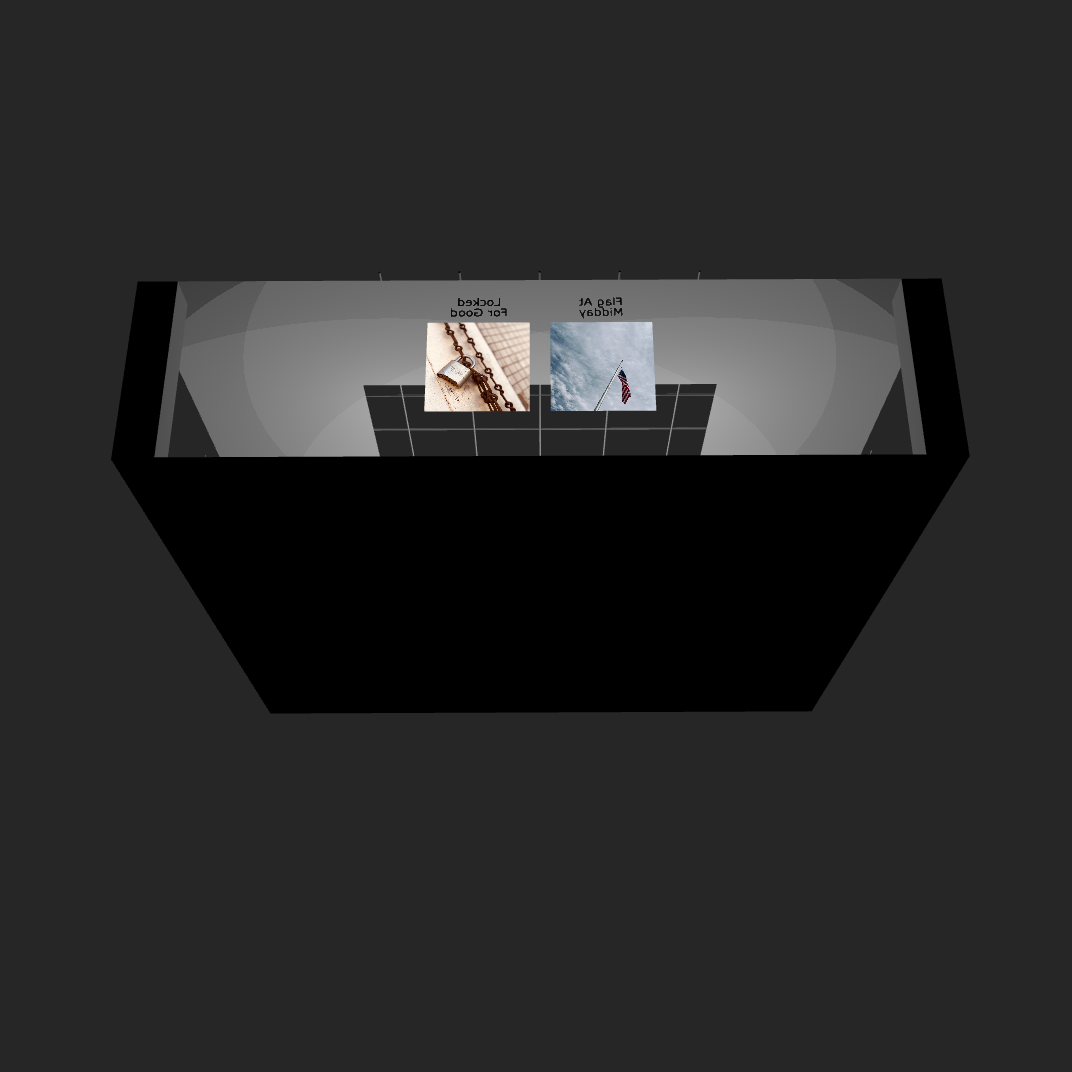
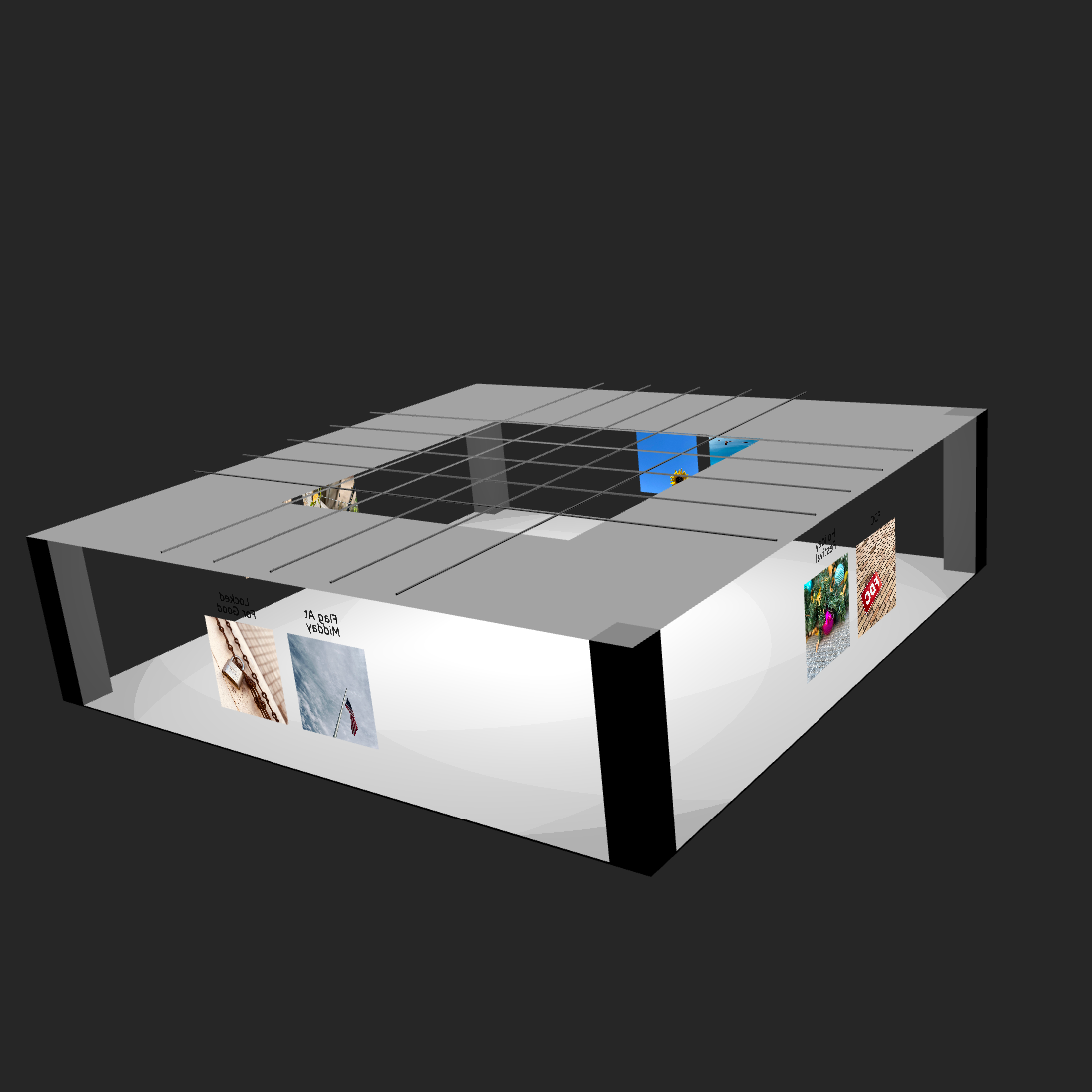
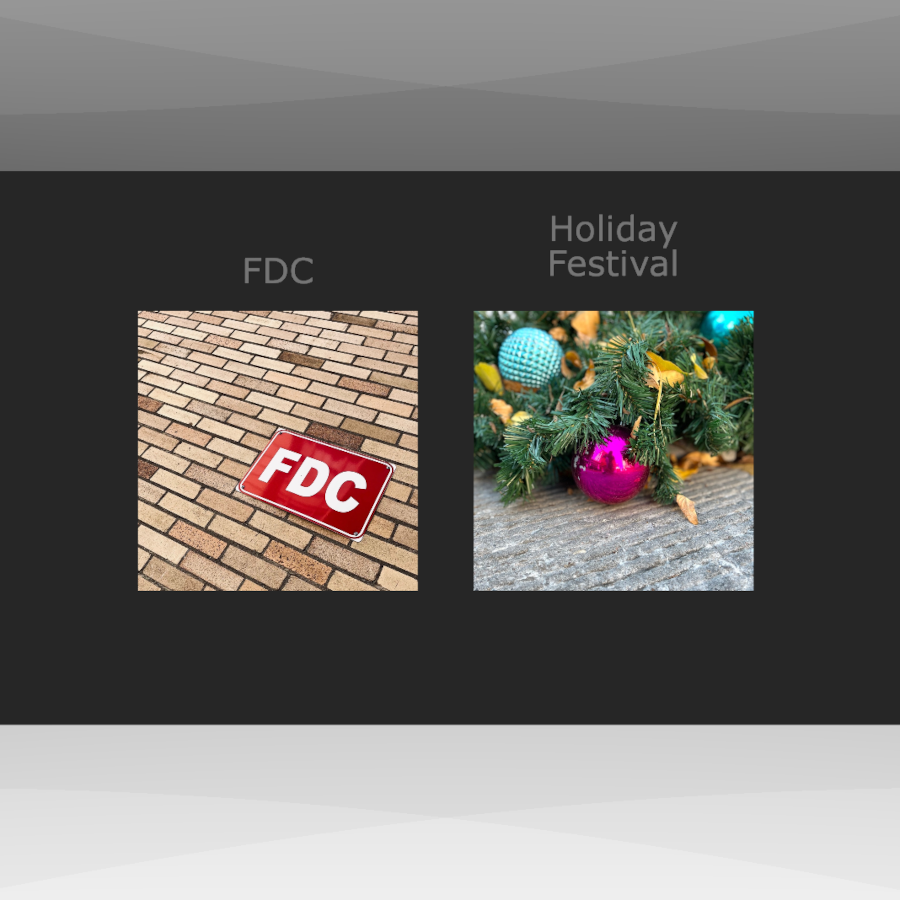
The "City Stroll" Presentation
Web 3D In Practice
By Ian Hollidae, 2024/11/08
I'm finally getting a chance to try out a few of the 3D technologies I've long been wanting to experiment with. My primary interest is X3D/VRML which is something I remember from the early aughts that held a lot of promise but didn't have much support. The applications were poor, browser support (plug-ins) was almost non-existent, and the overall web landscape just wasn't ready for it. Eventually, it seemed to fade away.
Then there's Three.js which came out after I left the tech industry so I don't know much about its early history. When I made a partial return to tech, and came across it, I added it to my todo list.
The third item is Blender, but to be honest, I never really had much interest in it. I always viewed it as a "professionals" tool for movie-level graphics and animation. Then I found out it supports the X3D file format so I've decided it was worth looking into despite its steep learning curve.
The only question now is how to maximize my efforts.
For now, it appears that X3D/VRML, since it's a markup language, is more suited for web structures such as photo galleries and interactive presentations. Three.js looks far more suited for more realistic 3D worlds. Blender? Still working that part out I guess. While finished projects will posted over on VRIGNETTE, all the notes about the project will be posted here.
Hopefully, I can create some neat stuff because I think the effort is about to get really interesting.
A One Year Assessment Of X3D
By Ian Hollidae, 2024/10/23
In the early 2000's, I ran across my first example of VRML (Virtual Reality Markup Language). It was a panaramic photo someone had stitched together. The image was used as an image texture on a circular wall and the user, sitting in the middle of the circle, could swirl around 360 degrees to view it. The swirling didnt work very well but the idea of VR web comtent was fascinating. I wondered in general about what else could be achieved.
Unfortunately, I never got the time or had the need to dive in further. Eventually, VRML faded away. It didn't seem to really make that much of an impact to begin with. Flash won the plug-in wars and that was about the limit users were willing to put up with in slowing down the browsing experience.
A Second Beginning
Fast forward to 2020, and just by chance, I stumbled upon VRML's successor, X3D. It was a complete surprise the effort was still around. Out of curiosity, I began browsing through the documentation. Just as before, I began asking who would be interested in using VR on the web in the age of walled-off social media. However, as I kept reading, the one thing that stood out was that a plug-in was no longer a needed. It was all pure XML and Javascript.
My own personal interest was rekindled.
Fortunately, I was able to find the time to truly get into X3D. I spent several weeks making small demos in order to get a handle on things.
During my exploratory process, I discovered existing X3D examples and while most were good for visual demonstrations, they weren't very useful. After some time, it became clear my main goal for using X3D was for interactive webapps. Some of the possibilities of interest include:
- 3D photo presentation (Example)
- 3D photo galleries
- VR product showcase picture (Example)
- Simple games
- Virtual space demonstrations
I'm sure there are plenty more uses than the ones I listed. It seems the only limit is your own imagination. Of course, items such as performance comes into play. The larger your application is, the more you need to download, constraints have to be applied. You get the picture.
So now that I've been using X3D for a year, I thought it would be a good post to share a brief assessment. This is in no way a comprehensive review. Just some thoughts about what has stood out the most.
X3D As A Markup Language
The XML-based script integrates well with HTML along the lines of SVG. In fact, there are some rough parallels between the two.
The grouping of objects, transforms and object reuse are a large part of both markups. The X3D 2D component, the ability to draw 2D objects in a 3D world, is basically an SVG equivalent.
The ability to create custom shapes in X3D using prototyping goes well beyond the SVG <PATH> tag. But even if you don't want to go that far, there are several path-like constructs that get the job done on the customization front.
For simple embedded displays, no javascript or complex animation, getting up and running is no more difficult than standard web development.
X3D Libraries
What you get out of X3D is largely dependent on the library you use. The two libraries I know of are X3DOM and X_ITE. Both have somewhat different approaches to providing X3D functionality.
X_ITE is a full blown player and framework. It's programmable and configurable. It also seems to be a more complete implementation of the two.
X3DOM, on the other hand, is closer to a straightforward library for web use. Fewer moving parts and not much different from other standard javascript libraries in usage.
Each library has plenty of benefits and I use them both.
X3D Tools
A generic text editor will do the job for basic and moderate tasks. For now, this is what I do. But for more advanced content, dedicated software is needed. It seems there are two choices: Sunrize and Blender.
I currently don't know much about Sunrize (I wanted to focus my learning on direct coding efforts) but Blender has long been considered a beast. And Blender isn't specifically an X3D tool. It just exports content to the X3D format.
Will tools be a problem for X3D down the line? Given the size of X3D, compared to HTML and SVG, it's possible. And the more complex the construct, the more cumbersome X3D can become without dedicated tools. Where those tools will come from is anyones guess.
The Past Is The Present?
As I said before, my main use for X3D is embedded web apps. In a lot of ways, this sorts of mirrors the old days of Flash and Java applets. However, there doesn't seem to be the huge performance issues Flash and applets suffered from. At least for small things.
One other difference from the past is that X3D implementations are all javascript based and X3D is an open standard. Anyone can provide an implementation and that means there is fair chance that X3D development won't get bogged down by corporate concerns.
Conclusions To This Point
I think X3D has a lot of potential to offer content creators and developers. Will X3D get broader adoption? Like any other technology, it's hard to say. I think it really is a matter of finding appropriate uses.
Obviously, one person may or may not make a difference but for my part, trying to output regular content is one way to help spur adoption. Besides my basic tutorial, I created a portfolio page to show what can be done. Who knows how things will unfold. Maybe a year from now, I'll write a two year assessment of X3D where everything has changed.